Make a wishlist for a child
Kids don't need their own account. You run their list, and family reserve gifts from it the same way as from yours.
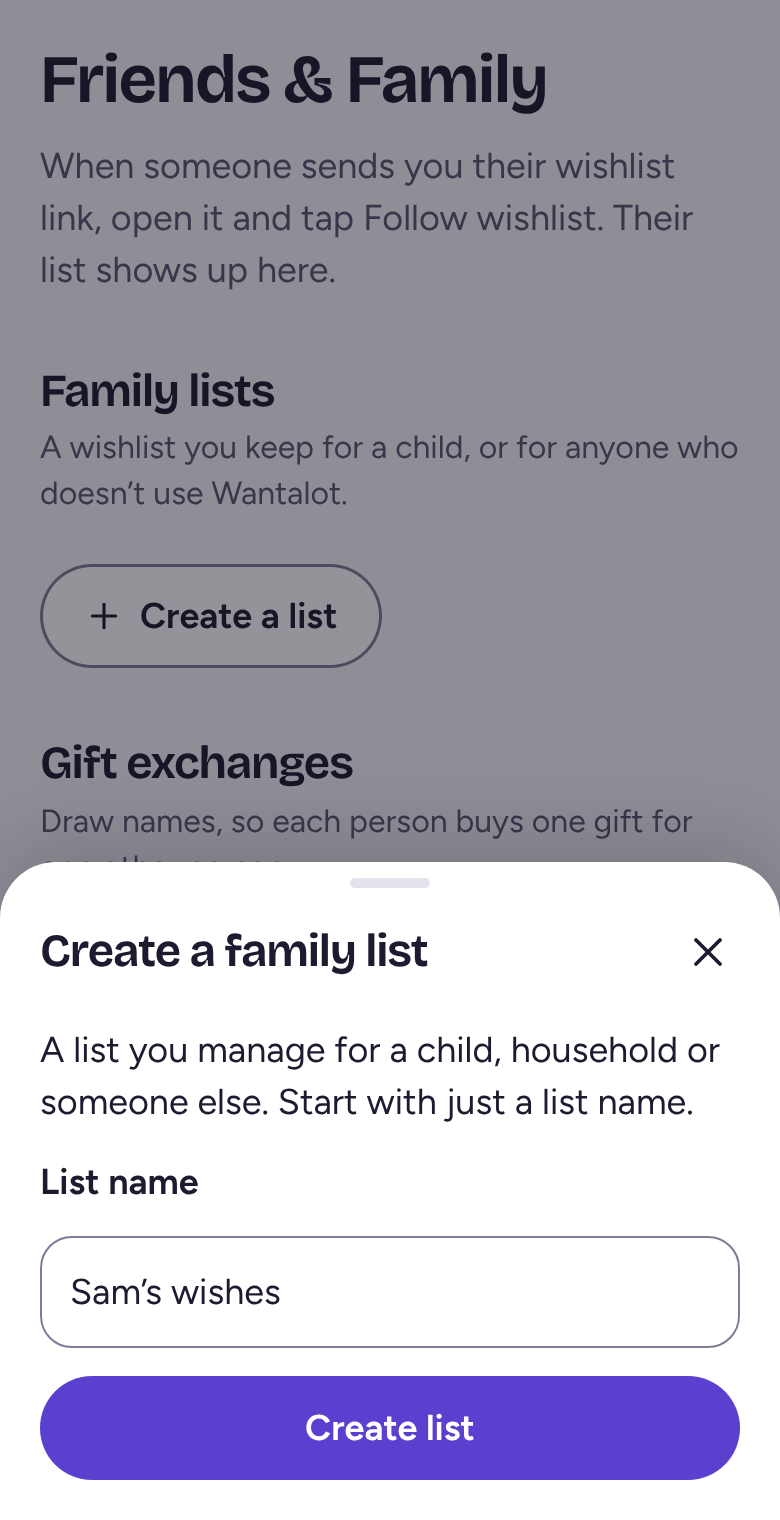
Create a family list
Tap Friends & Family, then Create a list. Type a name, like Sam's wishes, and tap Create list.
Add wishes and share it
Open the list and add wishes the same way as on your own. It has its own Share button and link, so you can send just this list.
Already have the wish on your own list? Press and hold it, or right-click on a computer, then tap Move or copy and pick the child's list.
Let another grown-up help
On Friends & Family, tap Manage list next to it, then Invite someone to help, and send them the invitation. It works once and lasts 7 days. Neither of you ever sees what's been reserved.
Related
Still stuck? Email hello@wantalot.app and a person will answer, usually within a day.
About WantalotGift ideasSecret SantaChristmas listsWhat’s newPrivacyTermsHelp