Add wishes from Amazon
You can save single Amazon products, or bring over a whole Amazon wishlist you already have.
One product, from the Amazon app
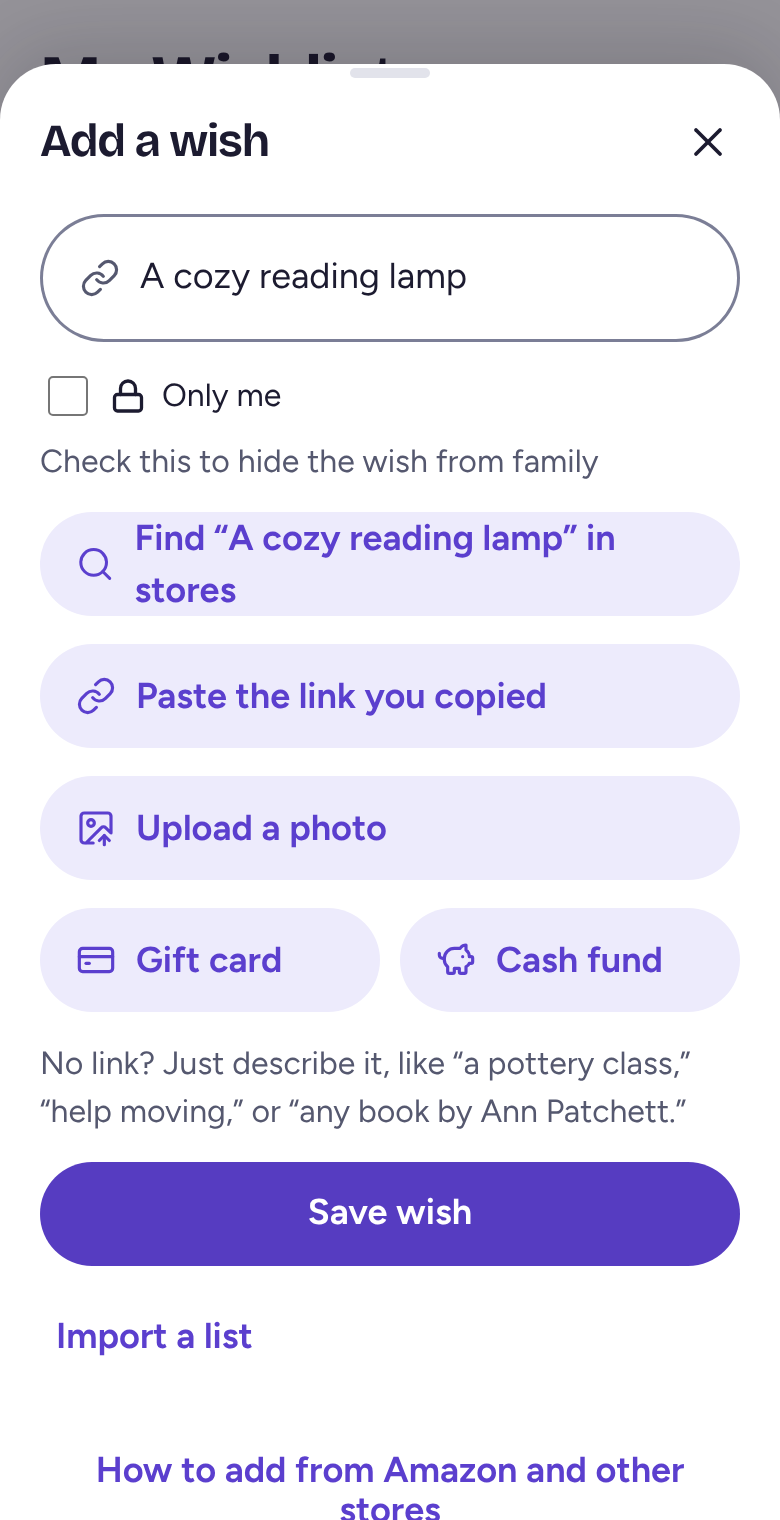
Open the product in the Amazon app and tap Share. Tap Wantalot if you have the iPhone app. Otherwise tap Copy Link, open Wantalot, tap Add a wish, then Paste the link you copied.
One product, on a computer
Copy the address from the top of the Amazon page, then paste it into Add a wish on wantalot.app.
A whole Amazon wishlist
On Amazon, open your list and use its Share option to copy the link. In Wantalot, tap Add a wish, then Import a list, and paste it. You'll see everything as a checklist before anything is added.
Related
Still stuck? Email hello@wantalot.app and a person will answer, usually within a day.
About WantalotGift ideasSecret SantaChristmas listsWhat’s newPrivacyTermsHelp