Join your family on Wantalot
Someone in your family sent you their wishlist link. In a few minutes you can have your own list, keep theirs one tap away, and share yours back. It's free, and there's no password.
Open their link and tap Start your wishlist
Tap the link they sent you. Under their wishes, tap Start your wishlist.
Tap Continue with Google or Continue with Apple, or type your email and we'll send you a 6-digit code. Then type your name the way family will recognize it, and tap Continue.
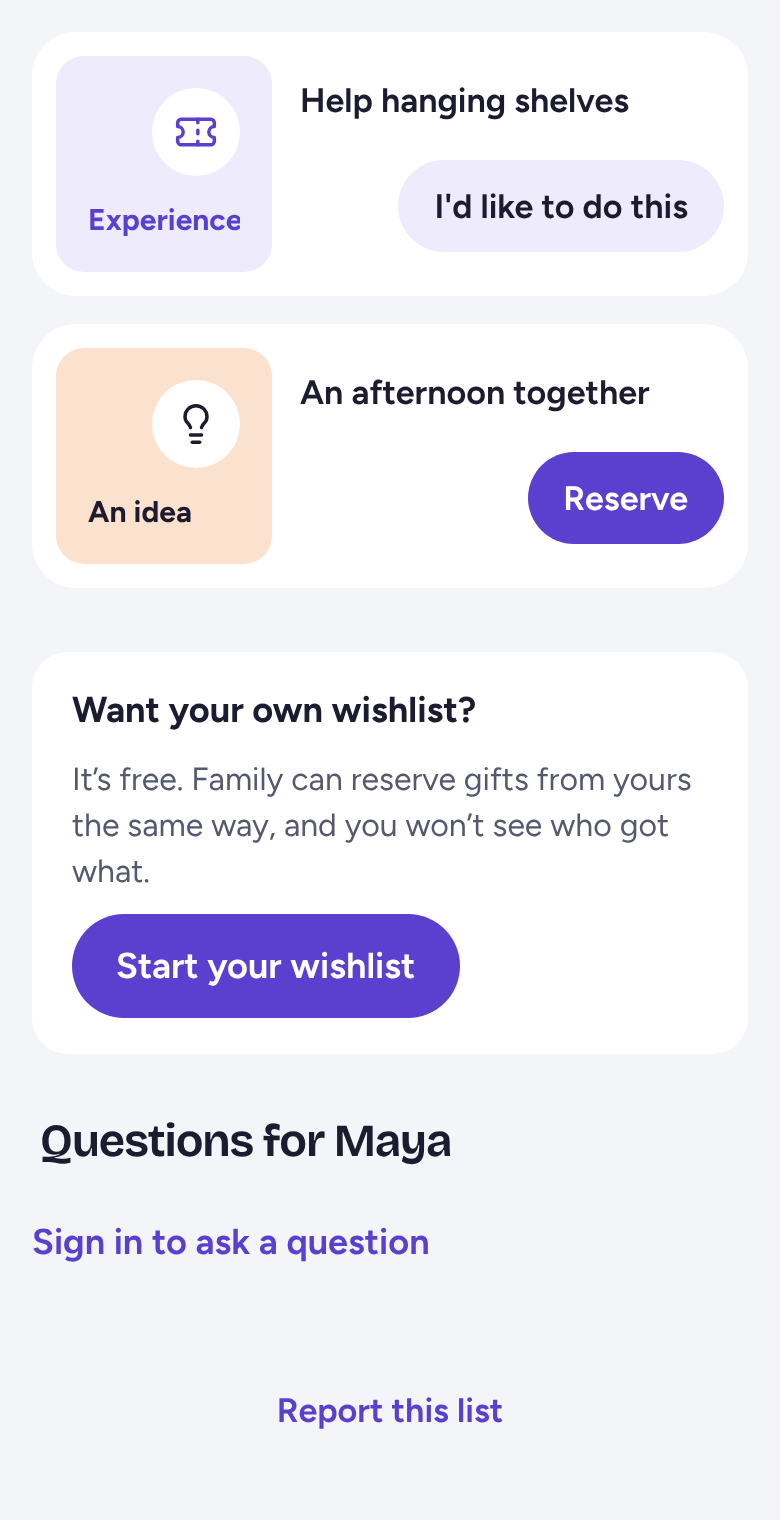
Keep their list handy
Your new list opens with a card for theirs. Tap Follow wishlist, and their list is always under Friends & Family.
Then tap Share my list, so they can see your list too.
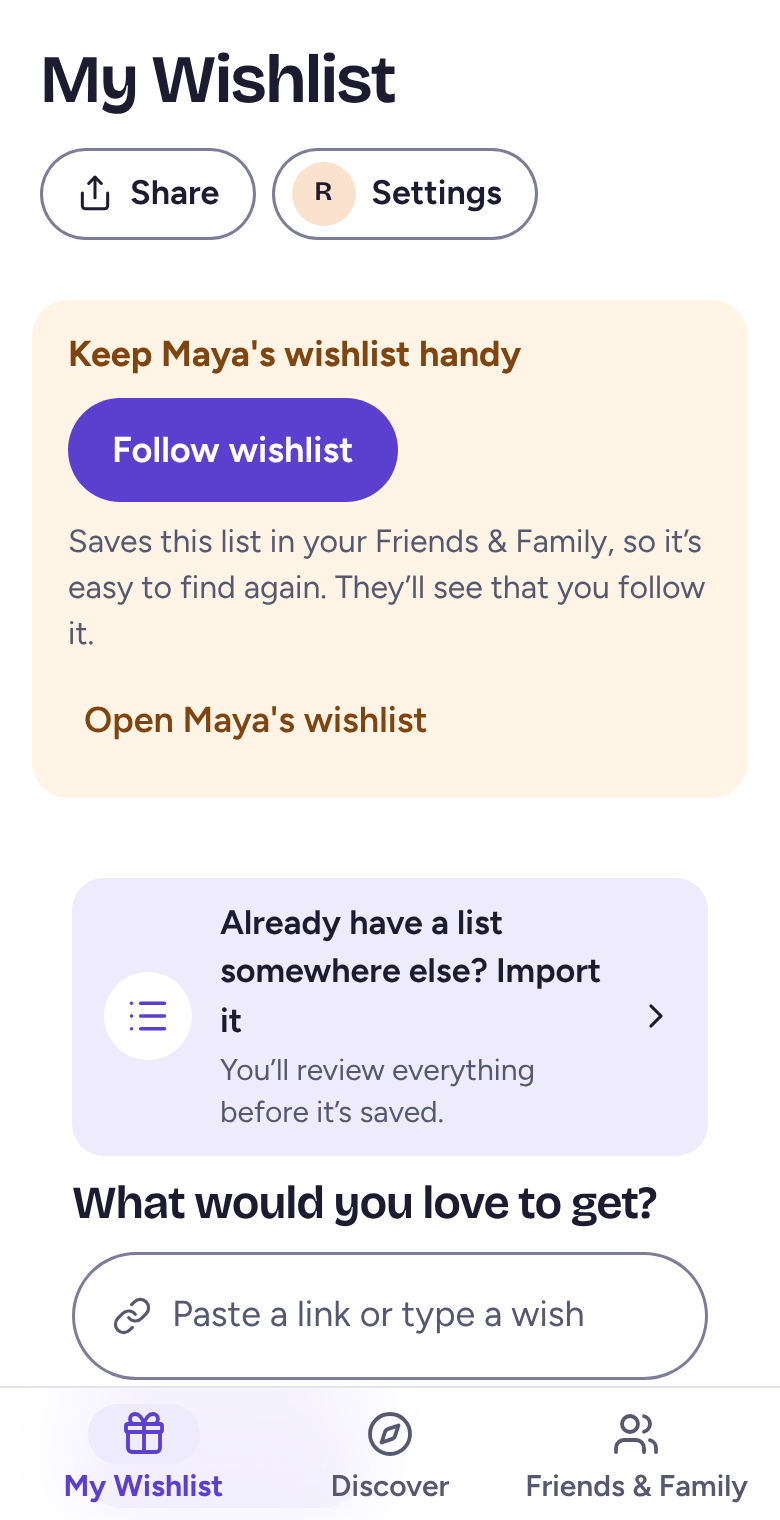
Bring a list you already have
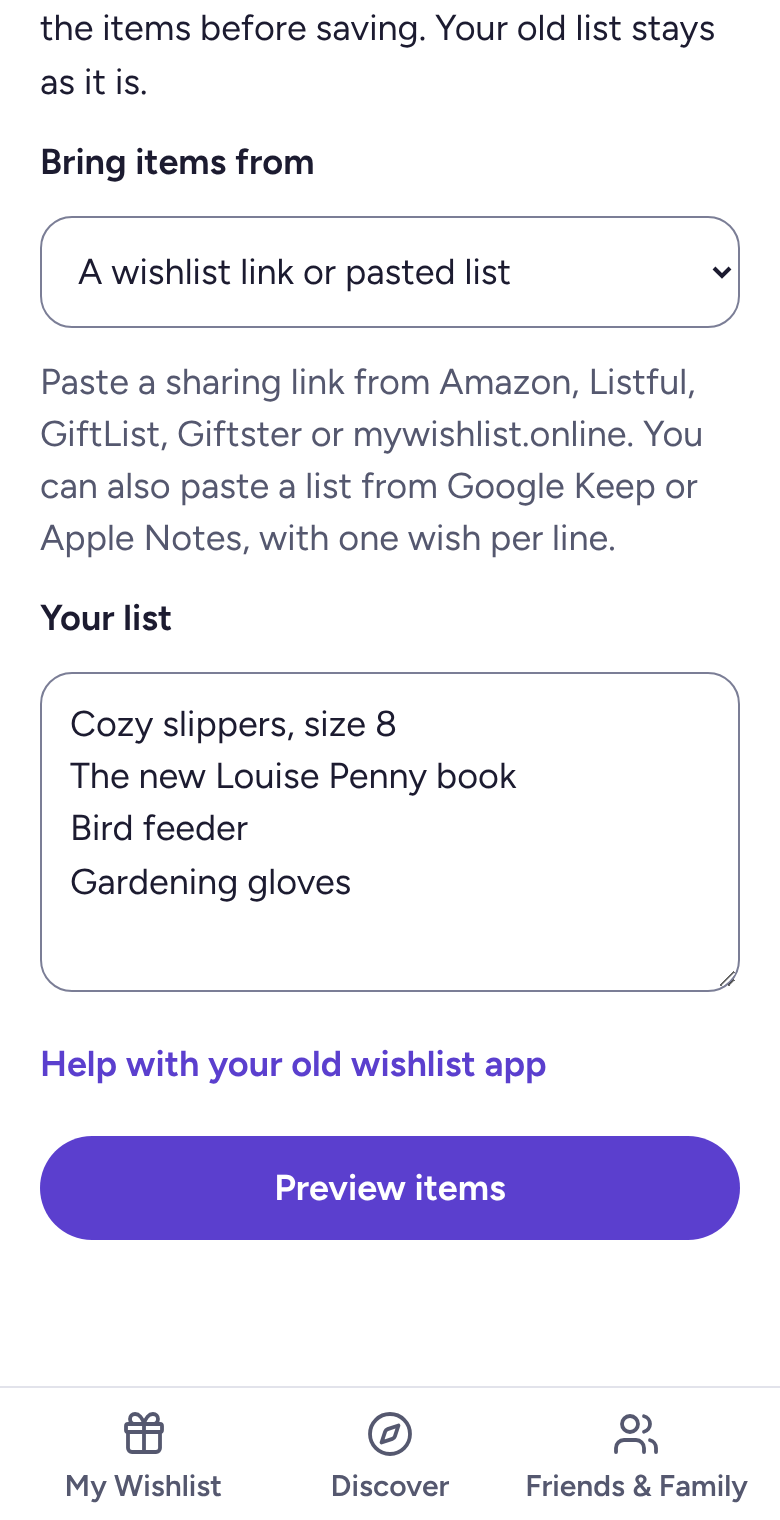
Tap Already have a list somewhere else? Import it. Paste a sharing link from Amazon, Listful, GiftList, Giftster or mywishlist.online, or paste a list from your notes with one wish per line.
Tap Preview items and check them, then tap Import. Your old list stays as it is.
Send your link to the family
On My Wishlist, tap Share, then Send to family, and send it to the family. When someone sends you theirs, open it and tap Follow wishlist.
Related
Still stuck? Email hello@wantalot.app and a person will answer, usually within a day.
About WantalotGift ideasSecret SantaChristmas listsWhat’s newPrivacyTermsHelp