Keep track of the gifts you're giving
When you're signed in, Wantalot keeps every gift you've reserved in one list, for everyone you're shopping for. Only you see it.
Open Gifts you're giving
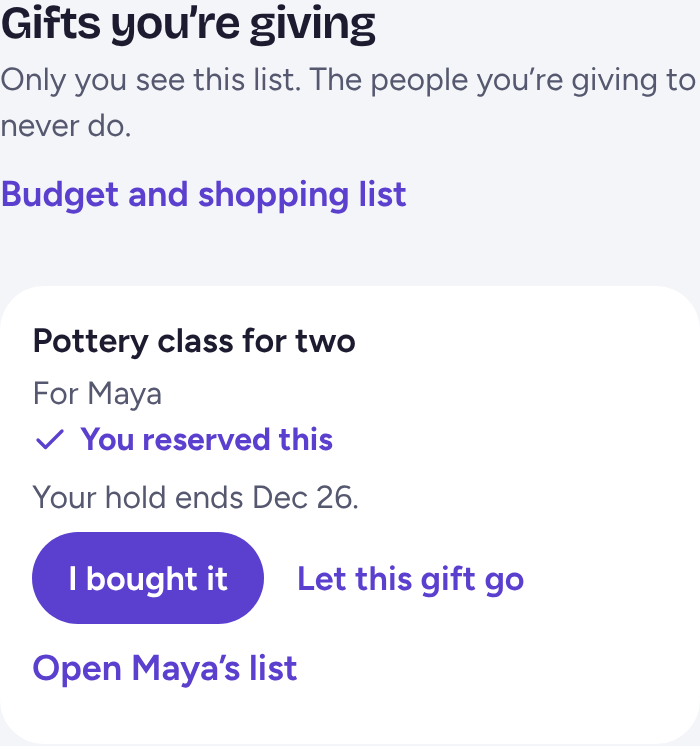
Tap Friends & Family at the bottom of the screen. Gifts you're giving shows each gift, who it's for and when its hold ends.
Mark it bought
Once you've bought it, tap I bought it, and nobody else can take it. Changed your mind before buying? Tap Let this gift go, so someone else can give it.
Set a budget
Tap Budget and shopping list to set how much you'd like to spend on each person and see what's still to buy. The amounts are just your own notes, and nobody else sees them.
Related
Still stuck? Email hello@wantalot.app and a person will answer, usually within a day.
About WantalotGift ideasSecret SantaChristmas listsWhat’s newPrivacyTermsHelp